 FABLAB AI
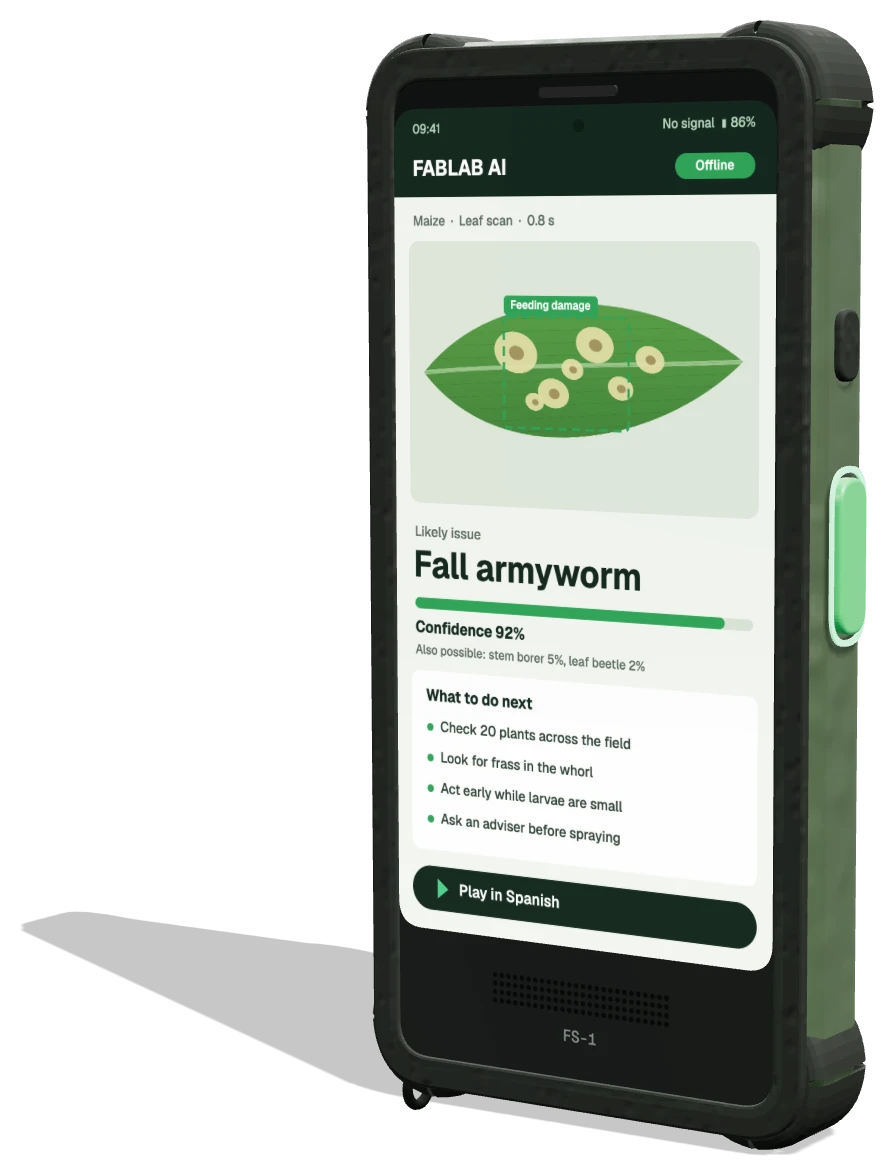
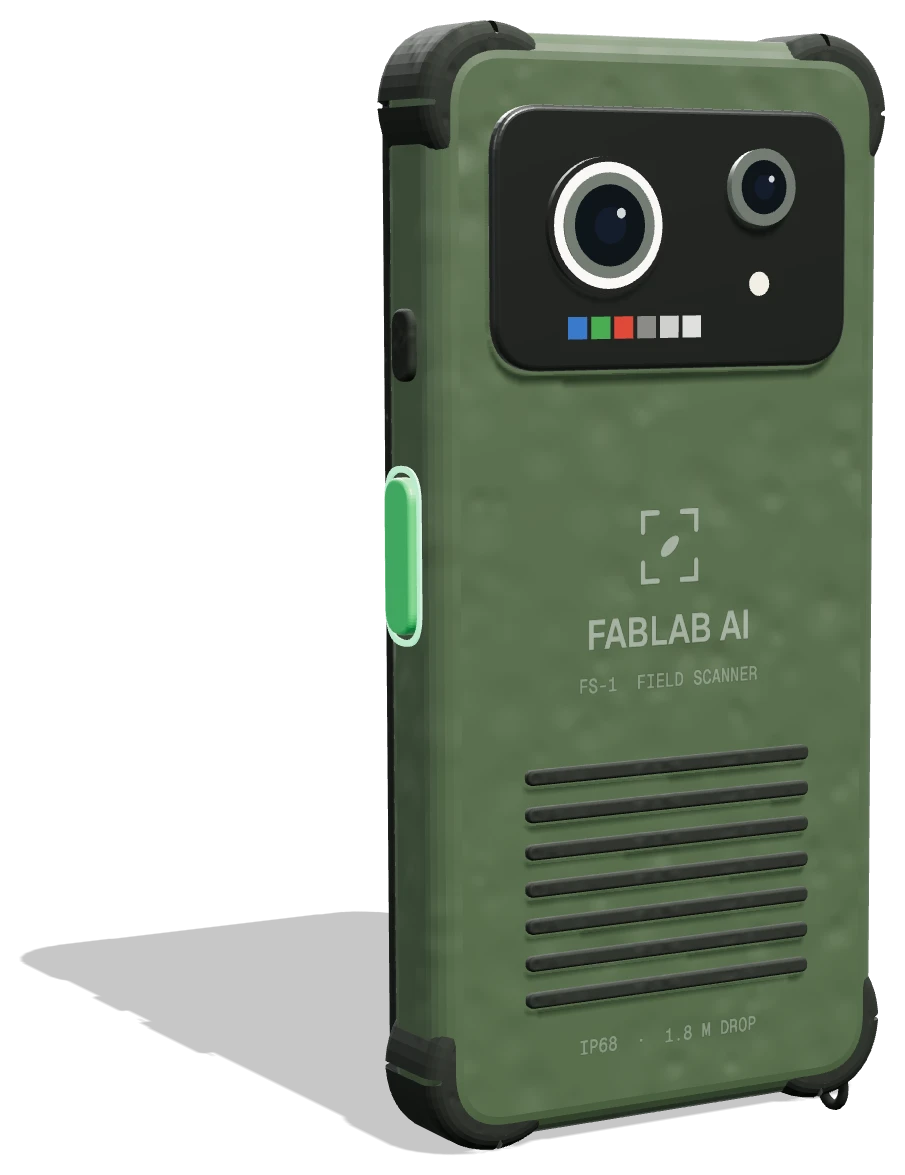
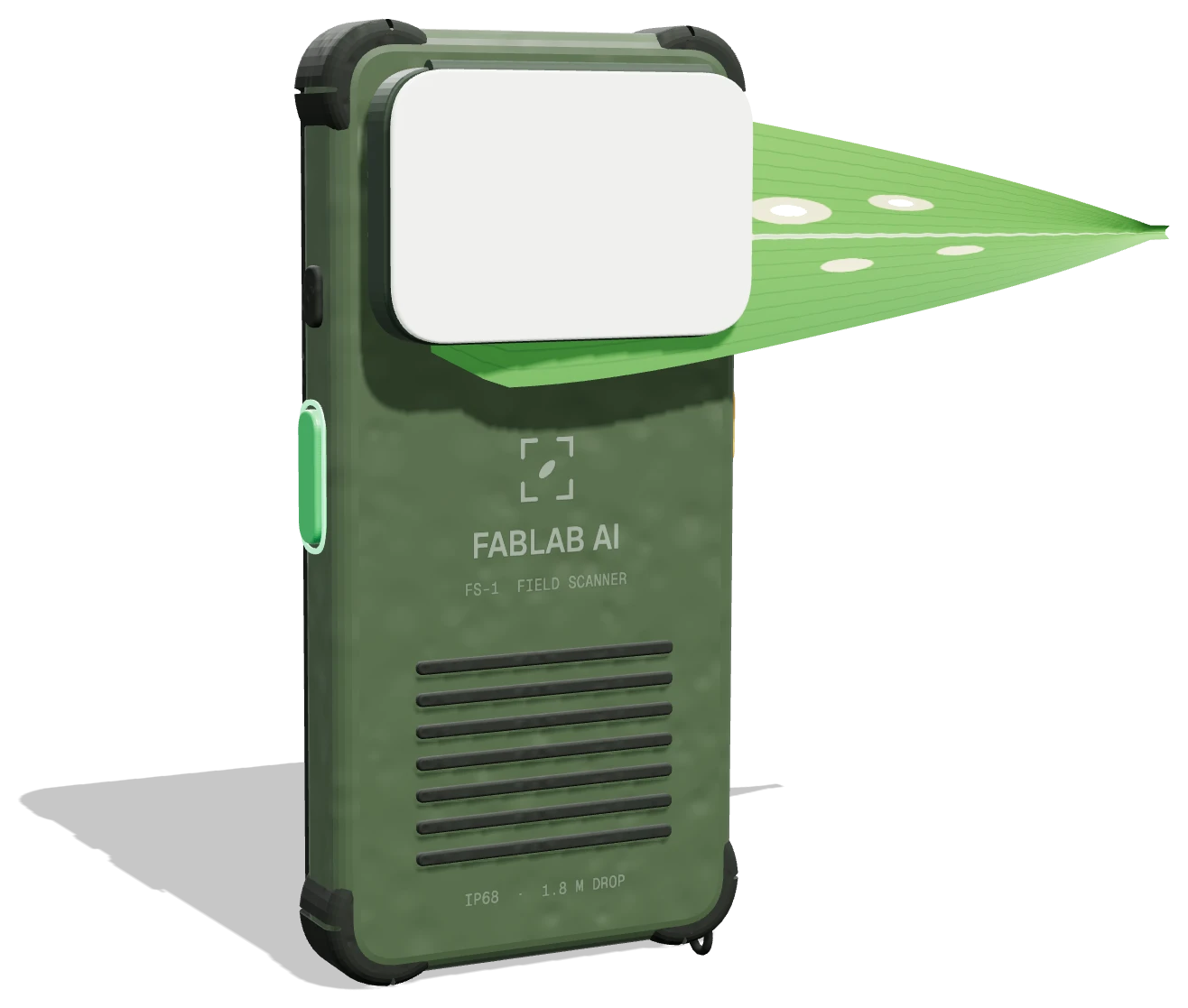

The answer does not wait for a signal
Diagnosis, guidance and speech run on the scanner itself. A connection is only used for the things that can safely wait: sharing records, updating models and asking an expert.
- Leaf scan and diagnosisWorks
- Spoken guidanceWorks
- Image quality checksWorks
- Scan history on the farmWorks
- Share records with the programmeWaits for signal
- Send unclear cases to an expertWaits for signal
- Download model updatesWaits for signal
- Download new guidanceWaits for signal
14 scan records saved on the scanner, waiting to sync

What lives on the scanner, and what travels
The scanner never needs the cloud to give an answer. Sync is a one-way convenience that happens whenever a connection appears, at home on Wi-Fi, at the cooperative on market day, or anywhere with 4G.
- Vision models
- Guidance library
- Voice packs
- Scan history
- Programme dashboard
- Expert review queue
- Model training
Guidance farmers can hear
Text alone leaves out many of the people who most need the answer. Every result can be read aloud from the scanner’s front speaker.
Planned launch languages are Vietnamese, Indonesian, Thai, Tagalog, Hindi, Bengali, Spanish, Portuguese, French, Arabic, Swahili, Zulu, Amharic and English. Each guidance entry is written and reviewed by agronomists for that language first, then recorded, so the advice sounds natural rather than translated word for word.
Voice packs are stored on the scanner like the models. Adding a language later is a download, not a hardware change, so a scanner can move to a new country with its farmers’ language on board.
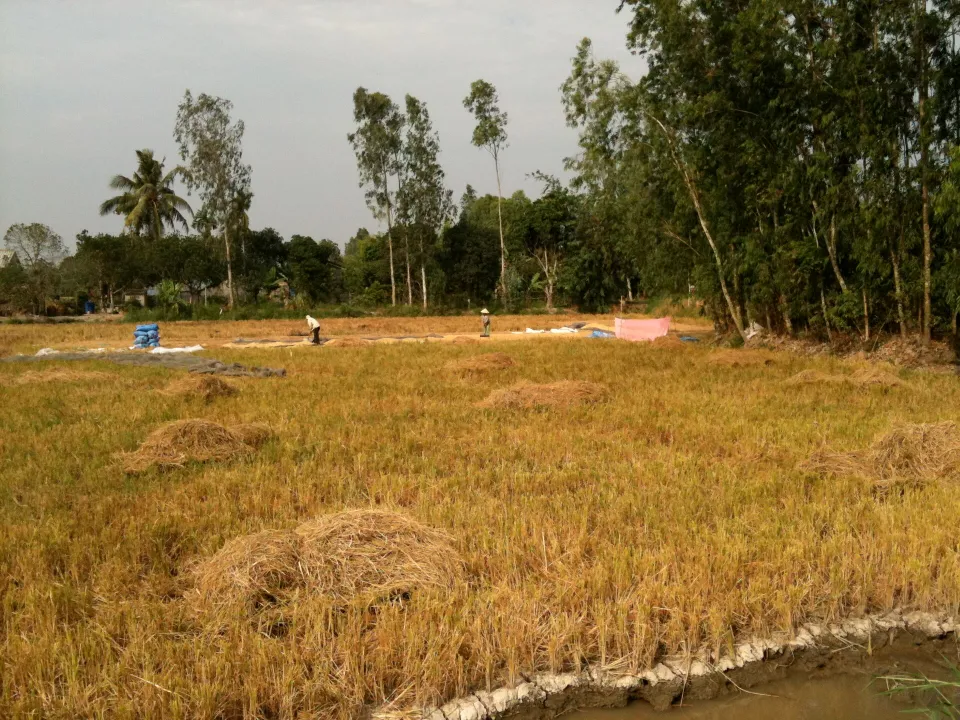
 Photo: Basile Morin, CC BY-SA 4.0
Updates arrive on your schedule
New models are checked against held-out field images before release. The scanner keeps the previous version and can roll back if a new one performs worse on local scans.